
Game guide · Purchases and downloads
How to redeem a boxed copy of GTA VI on PS5 or Xbox
The physical GTA VI Standard Edition contains a download code. Check the account and region, redeem it, and know what to do if the code fails.
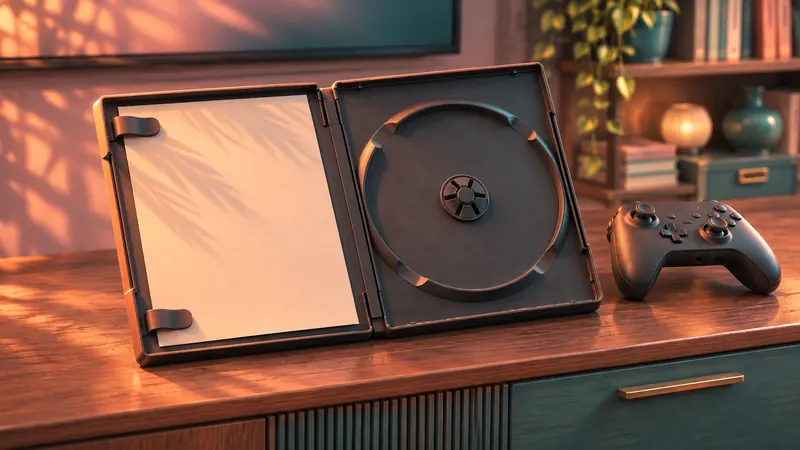
Open a boxed copy of Grand Theft Auto VI and you’ll find a download code in place of a disc. Redeeming it adds the game to your platform account, and the console downloads the files over the internet. If you’re giving the box to someone, leave the code for them to redeem on their own account.
Before you redeem
- Check the platform and account. Use the account that should own the game. On a shared console, check the signed-in profile before confirming. A used code is spent, so treat an opened second-hand box as packaging unless there’s an unused code you can verify.
- Check the region if you’re importing a PS5 copy. Rockstar groups US and Canadian accounts together for North American vouchers and lists UK vouchers for UK accounts. It also specifies an expiry for PlayStation codes sold in Japan. Rockstar says GTA VI codes for Xbox are region-free. Rockstar’s platform-specific region list
- Keep the receipt and insert. If a code is missing, damaged or already used, you’ll have the purchase details ready for the seller or platform support.
The box is the Standard Edition. If you want the Ultimate Edition extras later, Rockstar says you can buy the digital upgrade through your platform store after redeeming the Standard Edition.
Redeem on PS5 or Xbox
PS5. Open PlayStation Store on the console and press Triangle to reach its menu. Open More (…) → Redeem Code, enter the 12-digit voucher and confirm. Select Download, or come back to the game in your library later. If room is tight, follow our PS5 storage guide to clear space while keeping your saves. PlayStation’s PS5 redemption steps
Xbox Series X|S. Open Microsoft’s redemption page on a phone or browser and sign in with the Microsoft account behind your Xbox profile. Enter the code and check the game and account on the confirmation screen. Then open the game library on your Series X or Series S and install from the account you used.
If the code fails
| What you see | Where to start |
|---|---|
| The code is invalid | Check the characters and the platform printed on the insert. For a PS5 import, check the voucher’s region against the country of your account. |
| The code has already been redeemed | Look for GTA VI on the account you used, including its transaction history and game library. If you can’t locate the redemption, contact platform support with the receipt and exact error. |
| The insert is missing or unreadable | Contact the seller about a missing insert. For a damaged voucher, keep the original and proof of purchase, then follow your platform’s support instructions. |
Keep the full code out of public photos and posts. If you still need help, Rockstar’s activation page sends you to the team that handles redemption for your console.
Sources & further reading
- Rockstar Support — GTA VI platforms, editions and versionsPhysical Standard Edition, the digital Ultimate Edition Upgrade, code redemption regions and Remote Play support.
- Rockstar Support — GTA VI game activationOfficial activation support for boxed and gifted game codes, with platform-specific help.
- PlayStation Support — redeem a PlayStation Store voucherPS5 redemption steps, 12-digit voucher format and account restrictions.
- Microsoft Support — redeem a code to your Microsoft accountBrowser redemption for Xbox download codes and links to Xbox troubleshooting.
- PlayStation Support — troubleshoot a voucherTransaction history, damaged vouchers, evidence to keep and regional errors.